
📦 The Ultimate Guide to Plugins & Modpacks! 🚀
⚙️ Unleash the True Power of Your Server! 🌟
Welcome, Server Admins and Modding Enthusiasts! 👋 Are you tired of standard survival gameplay? Ready to transform your HexaCraft server into a bustling mini-game network, a hardcore RPG landscape, or a heavily industrialized technical utopia? You are in the very best place! 🌍✨
This absolutely massive, super-detailed guide is going to walk you through everything you need to know about extending your server's functionality. We’re talking Plugins 🧩, Mods 🛠️, Modpacks 📦, and handling configuration files like a complete coding wizard! 🧙♂️💻 Let's dive in!
🔧 Section 1: The Difference Between Plugins & Mods 🤔
Before you start downloading everything you see on the internet, it's crucial to understand the fundamental building blocks of Minecraft server modification! 🧱
- Plugins 🧩 (Spigot, Paper, Purpur): Plugins modify the server-side logic ONLY. This means your players do NOT need to install anything on their clients! 🤯 They are perfect for economies (Vault 💰), permissions (LuckPerms 🛡️), mini-games (Bedwars 🛏️), and moderation tools (EssentialsX ⚡).
- Mods 🛠️ (Forge, Fabric, NeoForge): Mods add completely new items, blocks, dimensions, and mechanics to the game! 🐉 Because they add new assets, BOTH the server AND the clients (players) must install the exact same mods. Think massive tech trees (Create Mod ⚙️) or new biomes (Biomes O' Plenty 🌲).
📥 Section 2: Installing Your First Plugin with HexaCraft! 🎉
Here’s how to turbocharge your PaperMC or Purpur server with epic plugins in mere seconds using our state-of-the-art Game Panel! 🏎️💨
- Log into your gorgeous HexaCraft Panel! 🌐
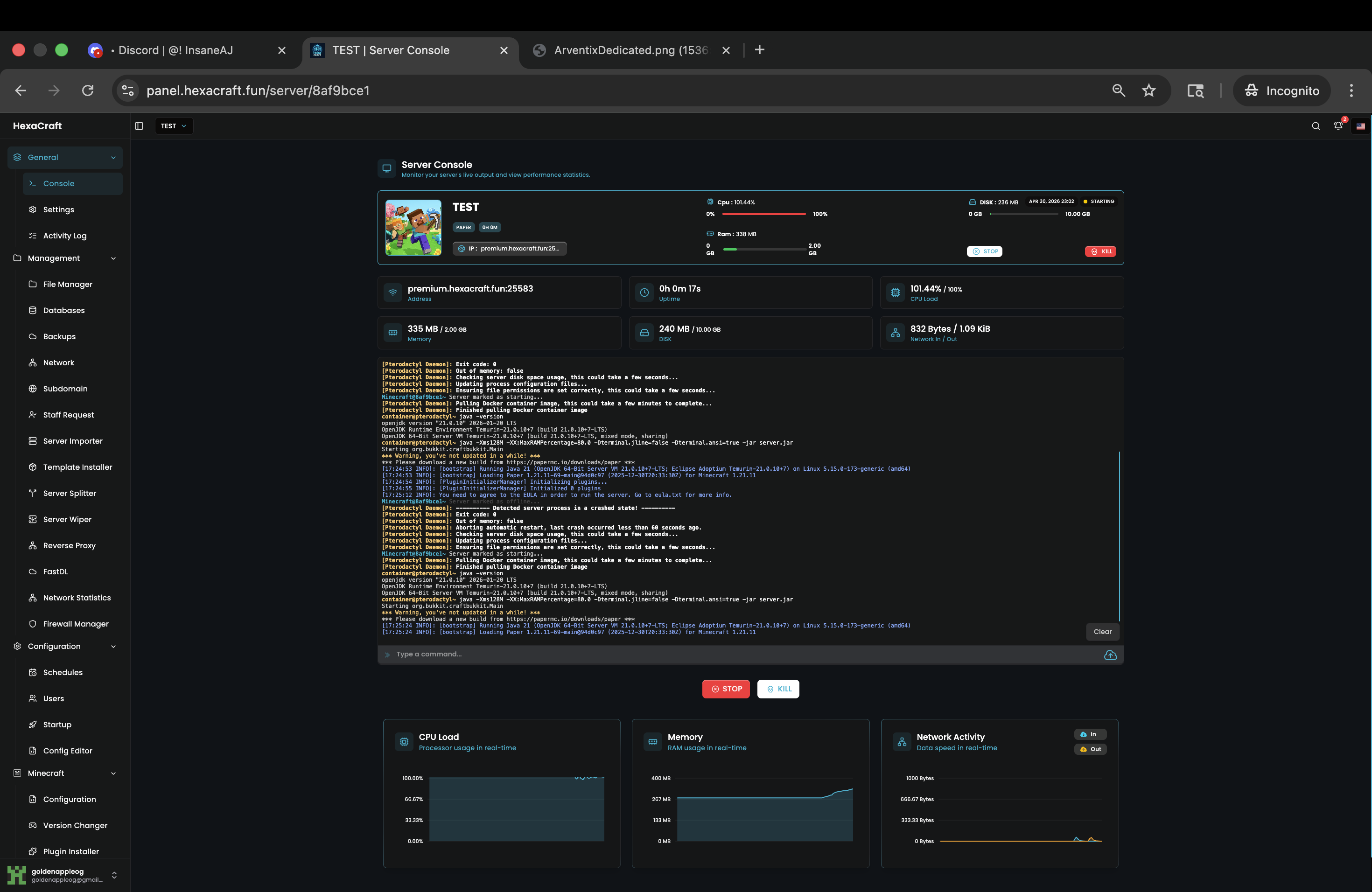
- Go to the "Plugin Installer" tab on the left sidebar. 🗂️
- Search for a legendary plugin, like "ClearLag" or "WorldEdit". 🔍
- Click that beautiful "Install" button! 🖱️✨ Our systems will instantly download the jar file directly into your `/plugins` folder!
- Restart your server! 🔄 Boom! You're done! 🎊
🚀 Section 3: Deploying Massive 300+ Mod Modpacks 🪐
So, you want to run Better Minecraft or All The Mods 9? 🌋 Awesome choice! Modpacks can completely overhaul the game experience. HexaCraft’s insane AMD EPYC CPUs handle these heavy loads flawlessly! 💪😎
The One-Click Method:
- Navigate to our incredible "Mods Installer" tab! 🧩
- Select "Modpacks" from our advanced filters. 🎛️
- Find your dream pack (CurseForge and Modrinth integration is built-in!). 🌐
- Smash "Install" and grab a coffee ☕. It might take 2-3 minutes to download thousands of assets securely.
⚠️ CRITICAL MEMORY WARNING ⚠️
Heavy modpacks (200+ mods) REQUIRE substantial RAM! 🧠 If you bought a 2GB "Dirt" tier plan, it will crash! 💥 Please ensure you have at least 8GB to 12GB of RAM for modern colossal modpacks to avoid the dreaded OutOfMemory (OOM) Errors! 📈
📝 Section 4: Configuring YAML Files Like a Boss 🎩
Installing is only battle one! Now you must CONFIGURE! 🛠️ All plugins generate config
files, usually named config.yml. Here is a quick crash course in navigating them:
YML (YAML) files are heavily dependent on SPACES. Never, ever use the "Tab" key! ❌ Always use the Spacebar! 🟩
Use our built-in "File Manager" editor. It has syntax highlighting to help you spot missing colons (`:`) or quotation marks (`"`). Once you change a value (like setting `enable-economy: true`), save the file, go in-game, and type `/reload` (or the specific plugin reload command like `/essentials reload`). Easy peasy! 🍋✨
🏆 Conclusion and Next Steps! 🚀
You are now fully equipped to customize your HexaCraft server to the absolute maximum limit of your imagination! 🌈🦄 Remember, building an epic server takes time and patience! Test plugins one by one to ensure zero conflicts! 🕵️♂️
Still hopelessly stuck on a screaming console error? 😱 Don't panic! Our elite 24/7 Support Team is waiting in the live chat right now! We eat Java traces for breakfast! 🥣👾